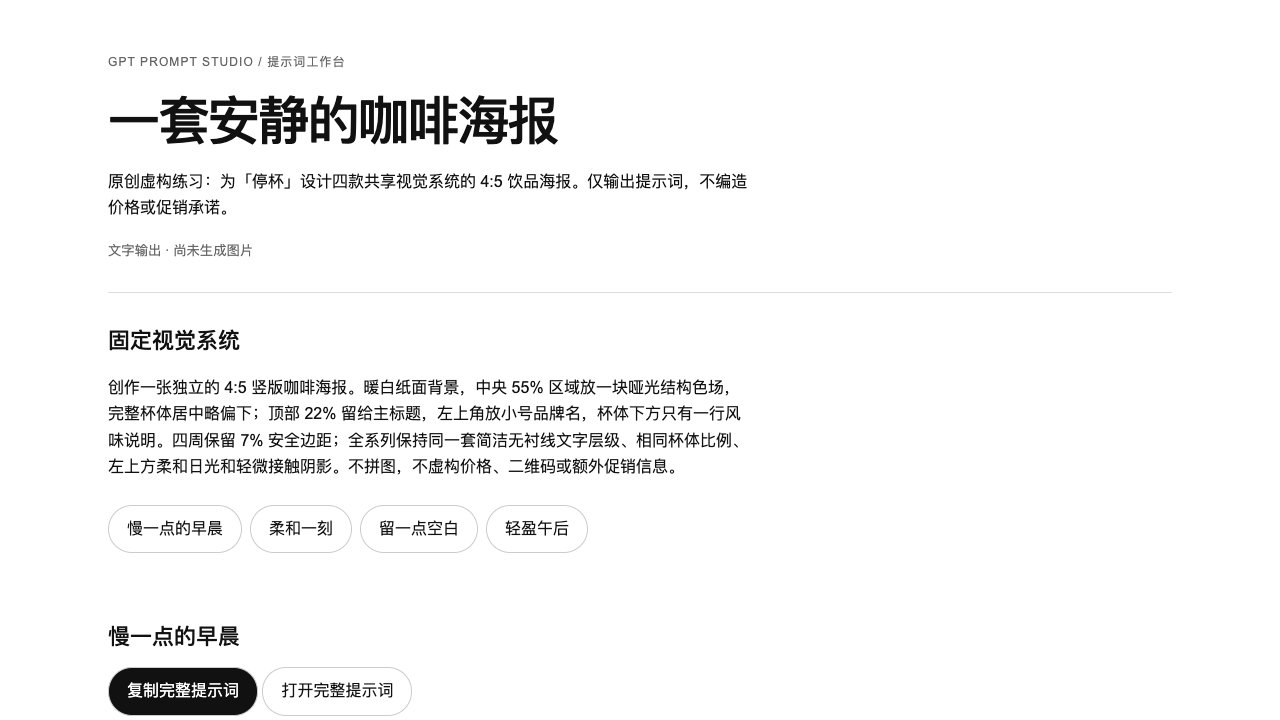
A poster series
Four products need variation within one brand system.
One visual master and four complete image prompts.
GPT Prompt Studio
Describe the intended use, supply a reference or bring an existing prompt. Your Agent specifies composition, subject, text and light in a complete prompt. Series share a visual system; targeted edits preserve everything else.
Available now · v1.0.0
USD 9.99 · Single purchase, or get access through Pro.
Four products need variation within one brand system.
One visual master and four complete image prompts.
I like a reference but cannot describe how it works.
An evidence-based visual breakdown and a complete prompt for a new subject.
I want one edit without changing the whole person or scene.
A complete revision preserving the locked scene.
Actual output · original fictional example
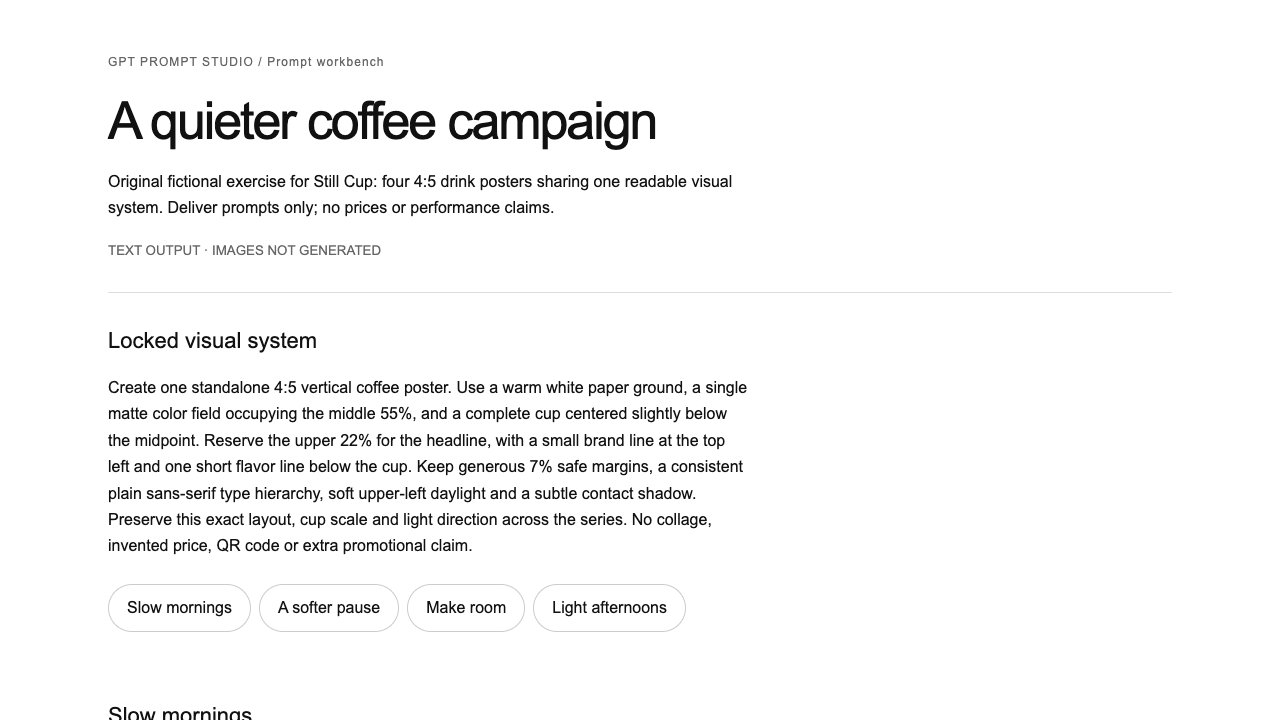
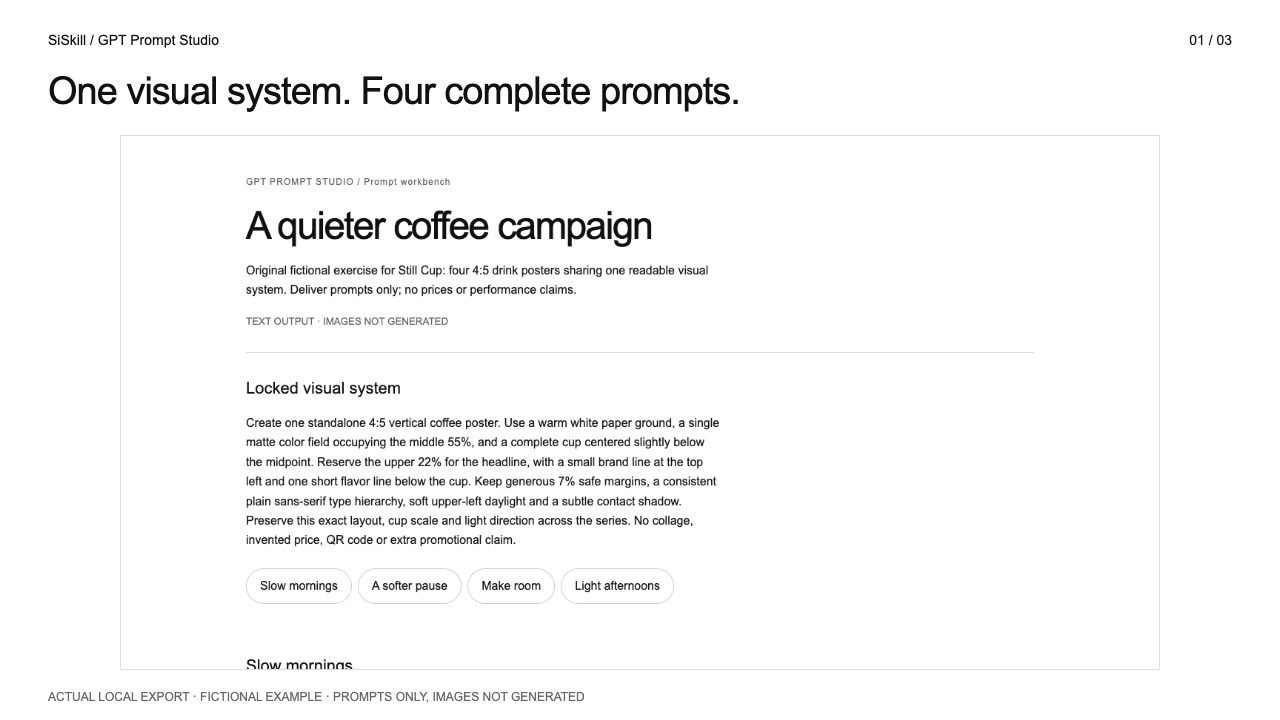
The original fictional example supplies four drinks, headlines and accent colors.
Aspect ratio, cup placement, type hierarchy and light stay fixed while declared variables change.
Provide your brief or images and let the Agent separate fixed requirements from variables. For a small edit, include the full original prompt.
Posters start with reading order; portraits use camera, pose, styling and related controls. Each variant is complete and ready to use.
Save the prompts in an offline workbench if useful. To make images, ask your Agent to use your available image tool and inspect the result.
Specify use, aspect ratio, quantity, exact copy and elements to preserve. Give each reference a role: identity, composition, outfit or color.
.agents/skills/gpt-prompt-studio/SKILL.md (Codex) or .claude/skills/gpt-prompt-studio/SKILL.md (Claude Code).Use the gpt-prompt-studio Skill. Create four 4:5 poster prompts for [brand/product], with themes [four themes]. Lock layout, type hierarchy and light; vary only theme and accent. Export complete prompts and a workbench, without generating images.
Installation & troubleshooting guideChange only the lipstick to wine red. Preserve identity, outfit, pose, camera and lighting, and return the entire revised prompt.
You receive the prompt workflow and exporter. Model access, image-generation tools and credits come from your own account and are billed separately.
It analyzes observable visual rules and assigns reference roles. It does not guarantee pixel-exact reproduction or grant rights to reference images.
Delivers prompts and a prompt workbench, not generated images or print-ready artwork. No third-party prompt collection, stock photos, private personas, provider accounts or generation credits. Independent SiSkill product; not an official OpenAI product.