Build a ODD HOURS-style concept
I have approved product copy and want this visual direction for a new page.
An original page with your copy, design tokens, image brief and responsive starter files.
Colorblock Studio Design
For creative studios, portfolios and cultural projects. Poster-scale type, flat orange/violet fields, asymmetric portfolio blocks and sharp boundaries. Give your Agent a brief to create a visual system and editable responsive page, or apply the direction to an existing project.
Available now · v1.0.0
USD 9.99 · Single purchase, or get access through Pro.
I have approved product copy and want this visual direction for a new page.
An original page with your copy, design tokens, image brief and responsive starter files.
Keep my existing routes and features, but give this one page a consistent visual identity.
A focused visual patch and scoped tokens that fit your project framework.
I already have a page and want to know where it drifts from this direction.
Specific issues, file locations, asset recommendations and prioritized corrections.
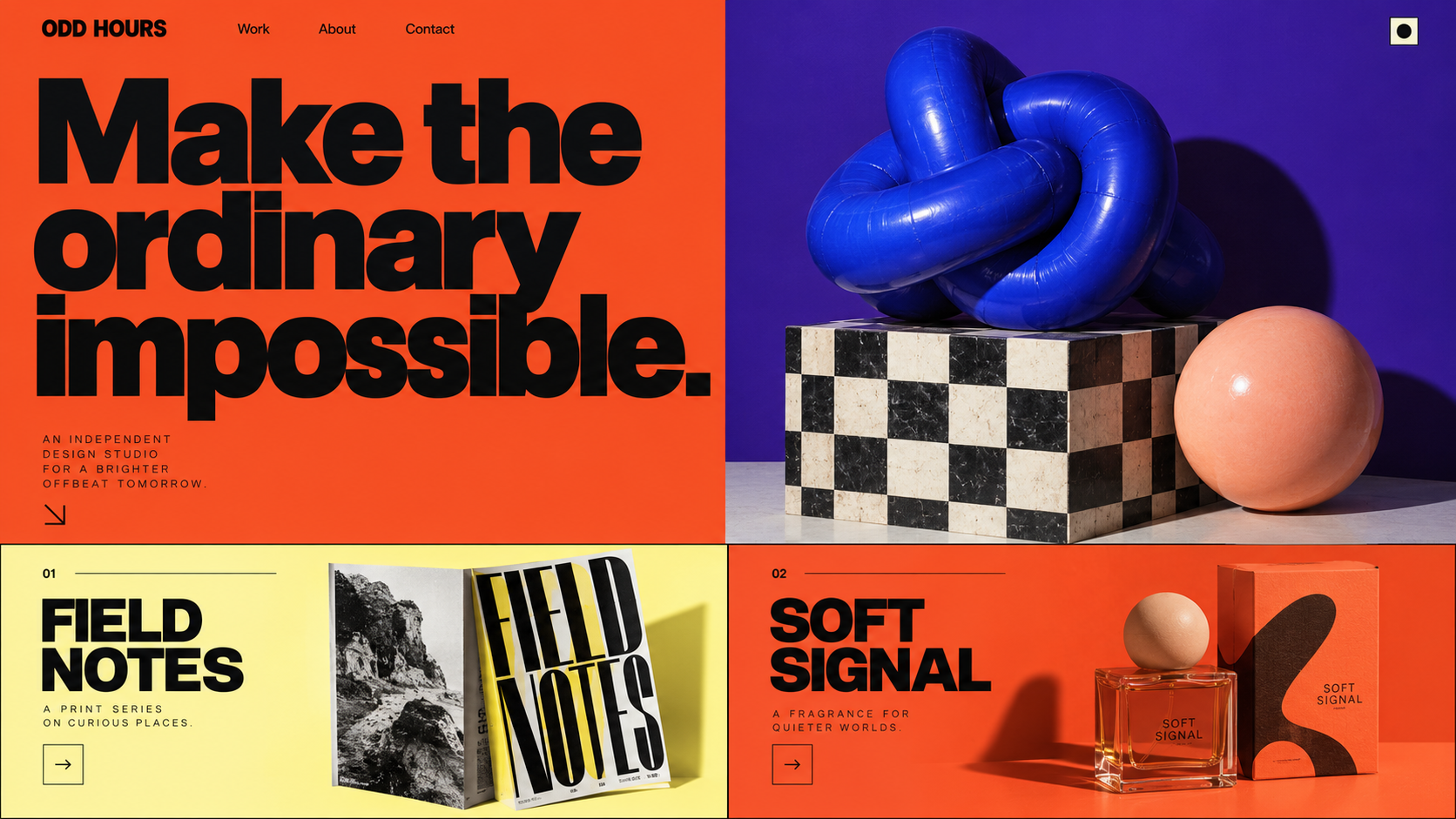
AI-generated design concept · not a runtime screenshot
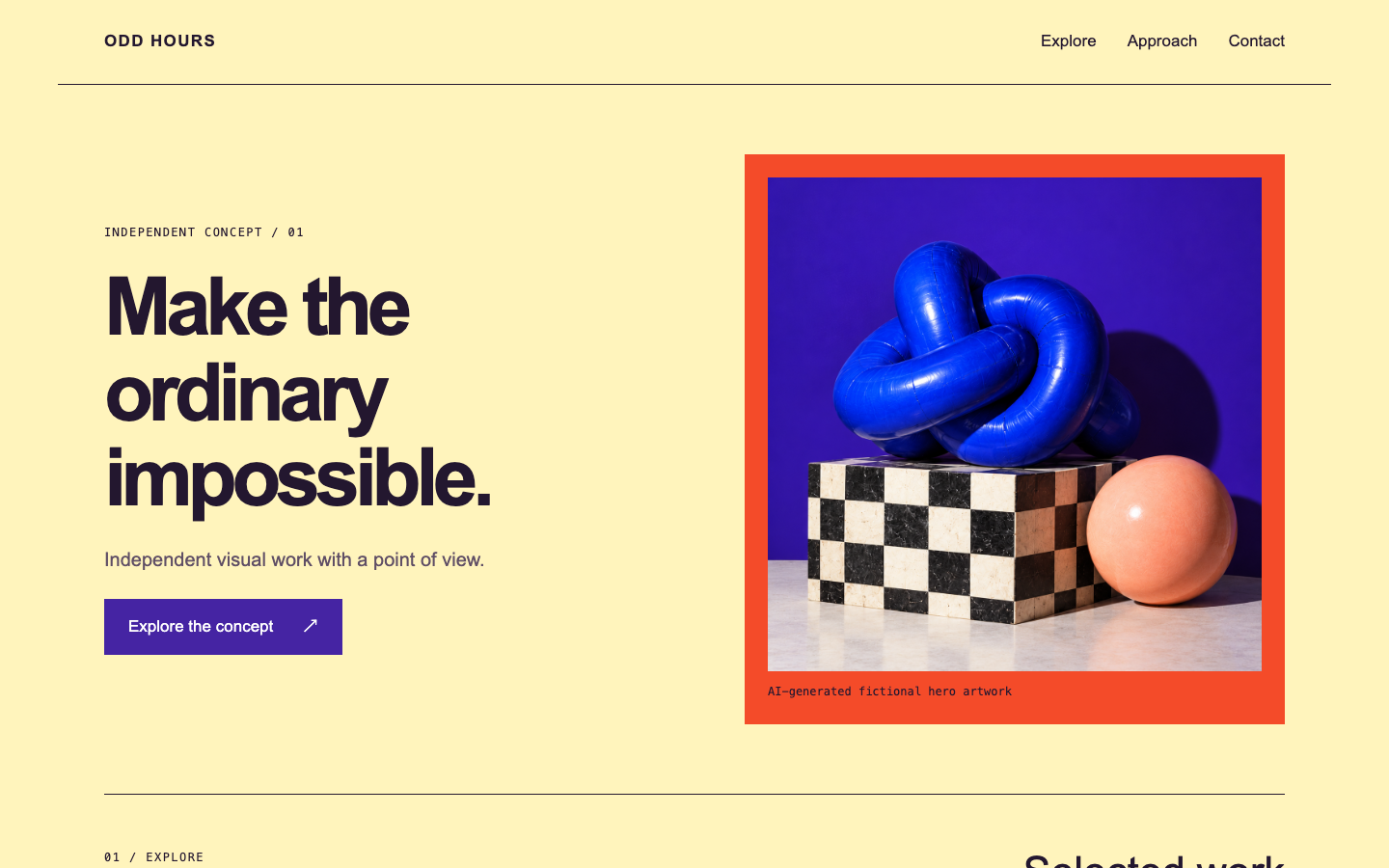
An original fictional brief for ODD HOURS: Independent visual work with a point of view.
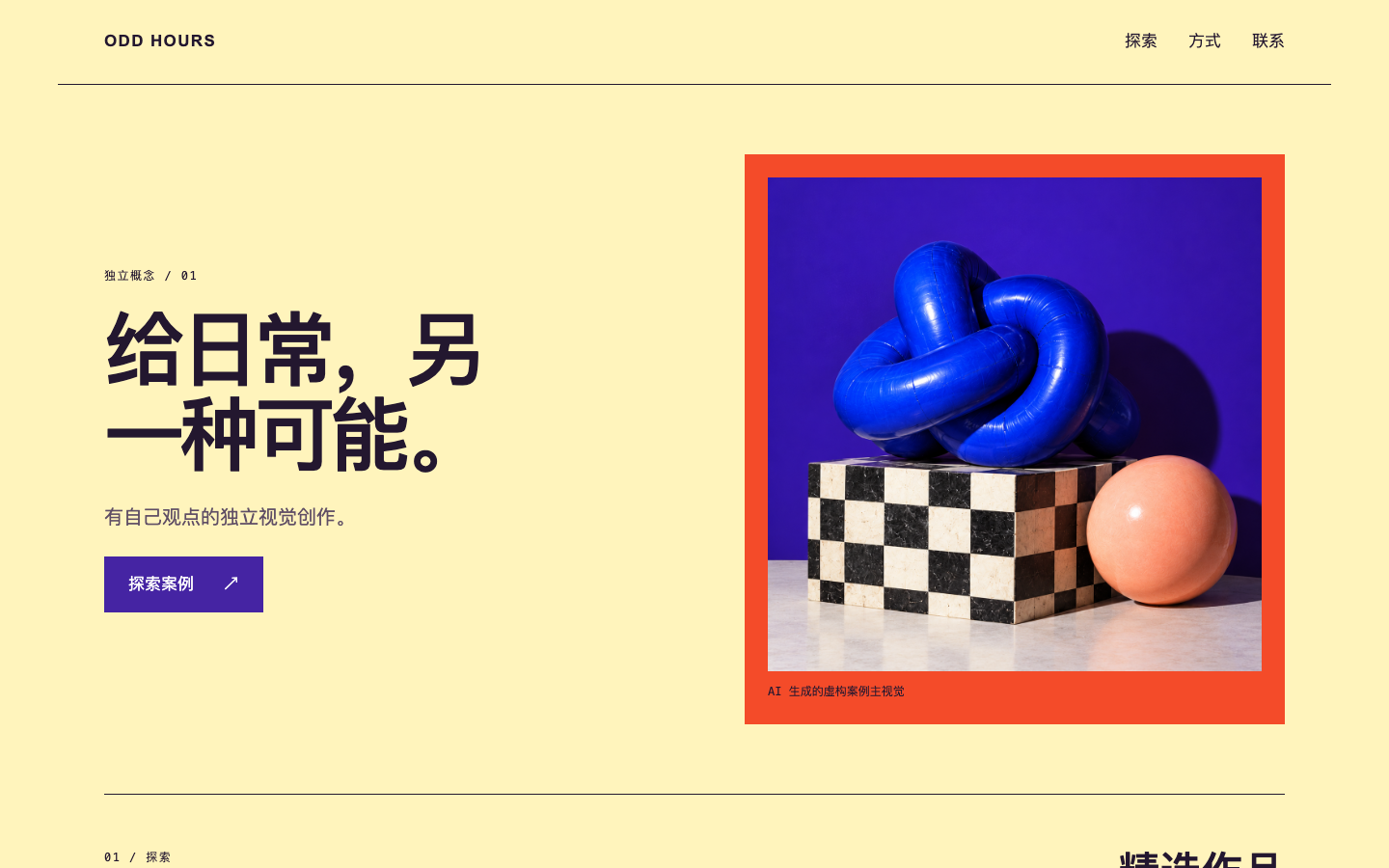
Codex image generation creates the concept and separate hero artwork. The included starter builds a real page with the same design rules. Compare the labeled gallery images.
Read the design rules and choose what supports your product: Poster-scale type, flat orange/violet fields, asymmetric portfolio blocks and sharp boundaries. Use the generated reference to discuss the image, not to infer app behavior.
Give the Agent your copy and media. It can run the included Node starter for a new page or adapt your existing components. Generate new subject imagery only when a tool is available.
Open the result in a browser. Review desktop/mobile layout, menu, focus, anchors and FAQ. Replace fictional copy and connect real services separately before publishing.
Bring your product brief, audience, approved text and primary action. For a redesign, provide the existing project. Supply licensed hero media or ask your available image tool to create it; model costs are yours.
.agents/skills/colorblock-studio-design/SKILL.md (Codex) or .claude/skills/colorblock-studio-design/SKILL.md (Claude Code).Use $colorblock-studio-design for my [product] aimed at [audience]. The goal is [main action]. Read its DESIGN.md, use my attached copy and assets, and build a responsive page. Explain the image direction, generate assets only with available tools, preserve all facts, and deliver editable HTML/CSS/JS with desktop/mobile checks. Do not publish yet.
Installation & troubleshooting guideKeep the chosen palette and visual hierarchy. Change only the hero copy and one approved image, then recheck mobile wrapping and focus contrast.
No. The concept communicates art direction. The real starter output is shown separately, and your Agent adapts copy, images and components to your project. Exact image-generation results vary.
No. The instructions, tokens, templates and examples are newly authored by SiSkill. Refero is a research reference; its source documents, code, screenshots, fonts and brand assets are not included.
AI concept images illustrate art direction; they are not runtime screenshots or a promise of identical results. The separate starter screenshots show actual package output. Includes a static prototype, not authentication, checkout, analytics or a backend. Original SiSkill product; no affiliation with Refero or reference brands. Model and image-generation costs are separate.