Turn my references into rules
My avatar, banner and covers look related, but I cannot describe the consistent parts.
An evidence-backed rulebook, uncertain choices labelled, plus representative samples.
Visual Rules Studio
Turn approved brand assets into one visual rulebook. Use it to prepare image prompts, editable cover/banner/card samples, web tokens and a Figma handoff—then detect drift when the rules change.
Available now · v1.0.0
USD 9.99 · Single purchase, or get access through Pro.
My avatar, banner and covers look related, but I cannot describe the consistent parts.
An evidence-backed rulebook, uncertain choices labelled, plus representative samples.
I have approved rules and need a cover, banner and information card for one topic.
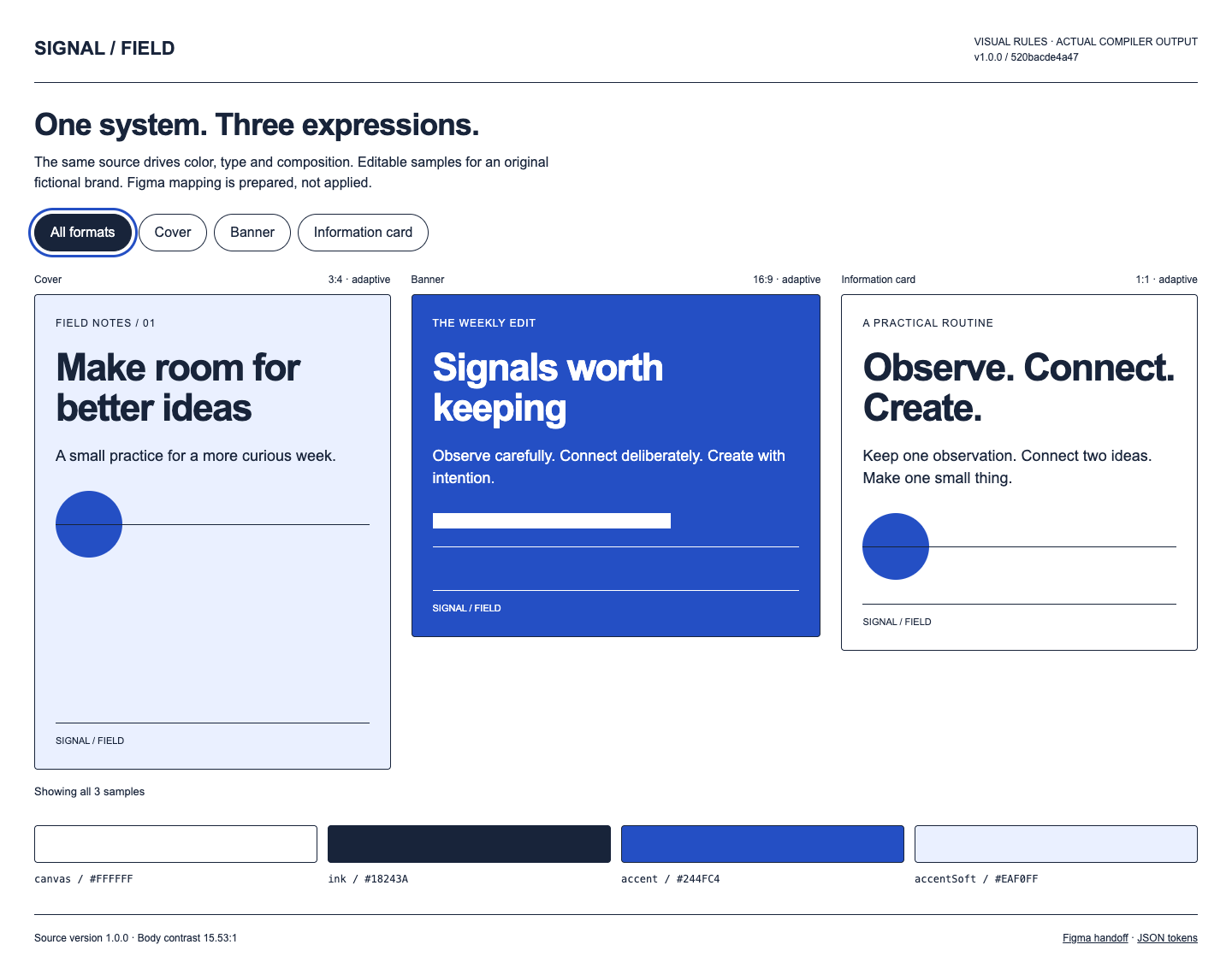
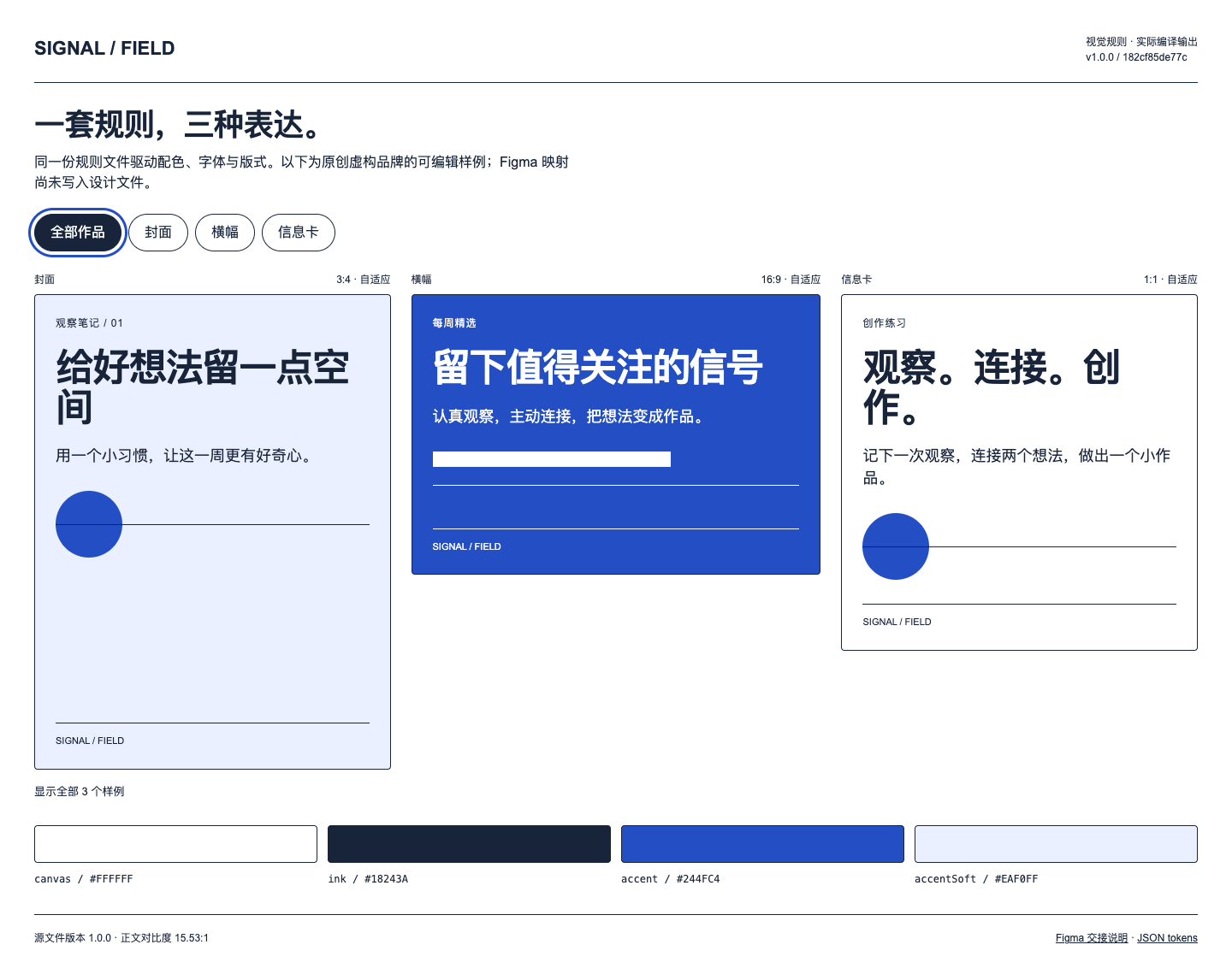
Editable HTML samples, three image briefs, CSS/JSON tokens and a prepared Figma handoff.
I changed the accent or typography and need to find stale output.
Field-level changes, failed source/artifact checks when relevant, and a concrete regeneration list.
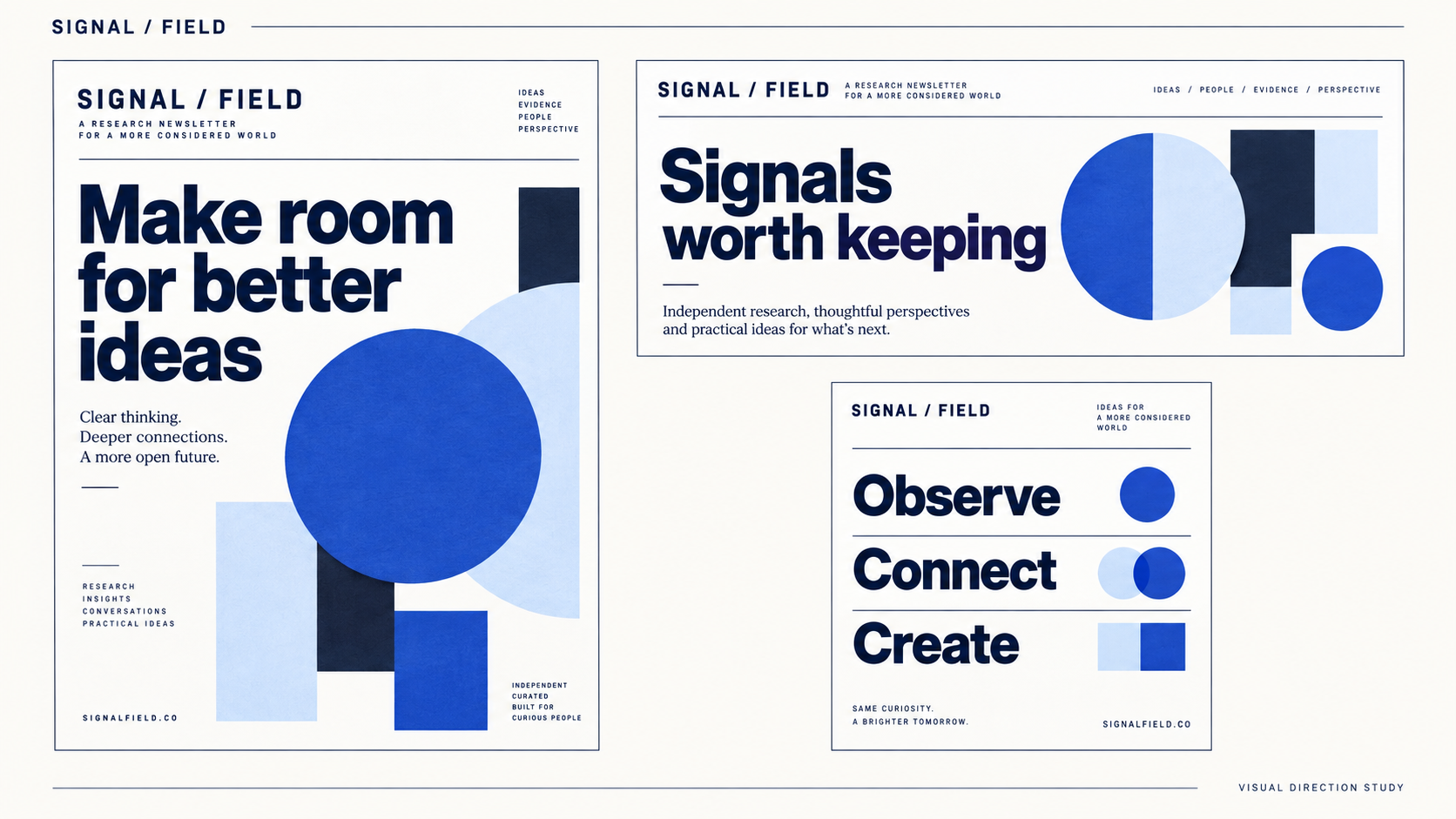
AI-generated design concept · not a runtime screenshot
Original fictional newsletter brand, navy/cobalt palette and approved cover, banner and card copy.
Codex creates a concept board; the independent local compiler renders bilingual editable compositions and derives tokens, briefs and handoff from one rule file.
The Agent inspects your material, records repeated traits and flags uncertain fonts or conflicting references. Approve material choices before treating them as brand rules.
Run the included Node tool on visual-rules.md to create editable samples, token files, image briefs and a Figma handoff. No external service is contacted.
Audit source and output hashes, then inspect browser/image results. Apply the Figma mapping separately and verify bound instances before reporting it synchronized.
Provide approved visual assets, usage rights, the current brand guide if any, and the copy/formats for this job. Existing rules should be adapted to the supported structured block; arbitrary Markdown is not parsed automatically.
.agents/skills/visual-rules-studio/SKILL.md (Codex) or .claude/skills/visual-rules-studio/SKILL.md (Claude Code).Use $visual-rules-studio on my attached authorized brand assets. Identify recurring color roles, type hierarchy, spacing and imagery. Separate observed traits from proposed decisions; do not guess exact fonts. Write visual-rules.md using the supported schema and compile a new local sample folder. Use my [approved copy]. Do not upload assets or edit Figma yet.
Installation & troubleshooting guideChange only the accent in the canonical file, bump the version and compare. Rebuild into a new directory and verify that tokens, prompts and Figma map agree.
No. It generates consistent local files and detects their drift. ChatGPT must receive the current rule file; Figma needs an editor step and verification. The mapping is not a native import format.
Prompt Studio develops individual image prompts. This product maintains shared brand rules across jobs, derives several outputs and checks revisions. It does not replace an image model.
No. Inspired by Morry.AI’s article at https://x.com/Morry4AI/status/2112429478471414101, SiSkill independently authored the workflow, compiler, schema and fictional examples. No article text, original prompts or author assets are bundled.
AI concept is an illustration; the separate HTML screenshots are actual compiler output. Does not automatically extract exact fonts from pixels, generate images, edit Figma, import arbitrary Markdown, synchronize cloud tools or publish. Figma files require a separate editor step. Model/image/Figma costs are separate.