Make my first film
I have approved product information and need this kind of short film.
A 12–24 second silent H.264 MP4 at 1280×720 / 30 fps, plus a PNG cover.
Workflow Explainer Film
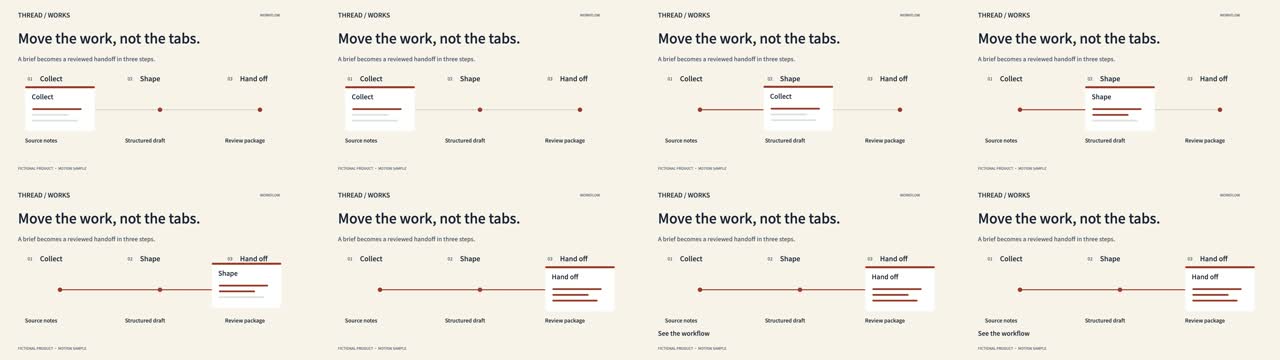
Make an abstract workflow understandable by following one artifact through three transformations. One document moves through three connected stations; its content evolves while the route and prior steps remain visible.
Available now · v1.0.0
USD 9.99 · Single purchase, or get access through Pro.
I have approved product information and need this kind of short film.
A 12–24 second silent H.264 MP4 at 1280×720 / 30 fps, plus a PNG cover.
I want the same storytelling mechanism with my own brand and actual product labels.
A scoped adaptation, with original and revised renders kept separately.
I have a candidate and want to catch misleading or hard-to-read sections.
Timestamped wording, continuity and readability issues, with concrete fixes and unverified items.
Actual output · original fictional example
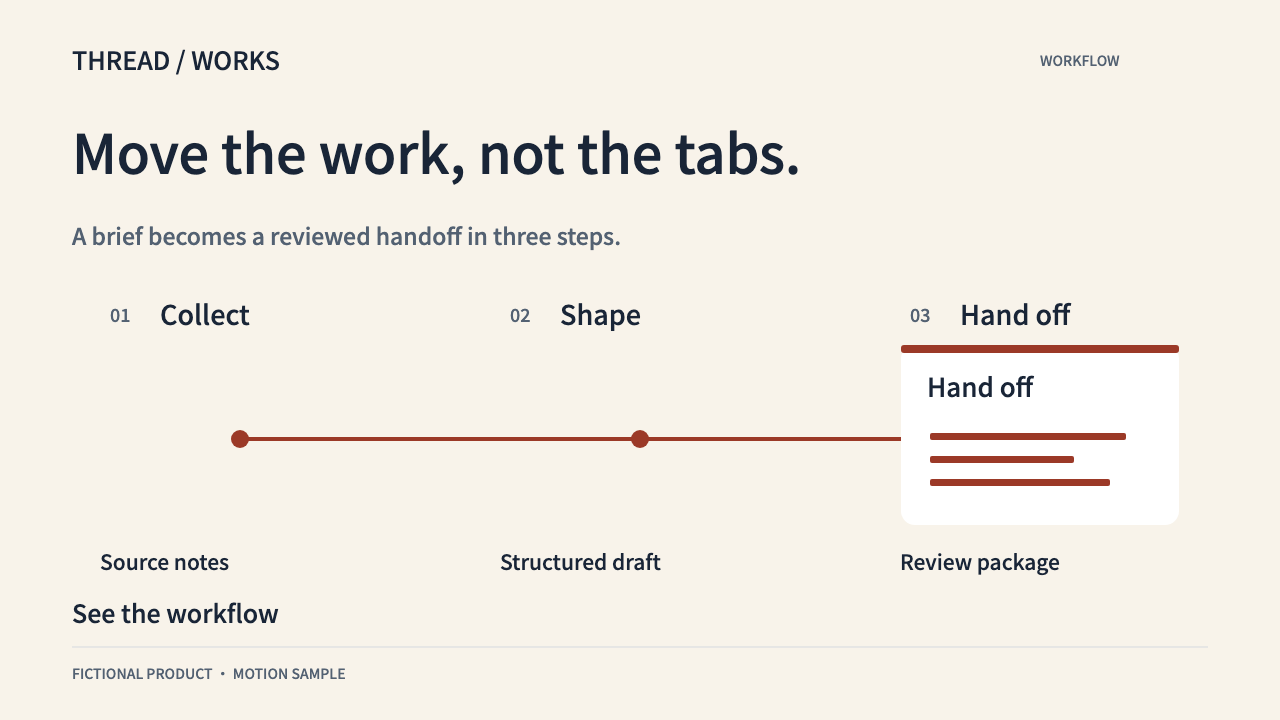
Move the work, not the tabs. A brief becomes a reviewed handoff in three steps.
The delivered local renderer animates the original brief and exports the actual MP4 shown here. UI shapes and content are original code-drawn illustrations.
Make an abstract workflow understandable by following one artifact through three transformations. Prepare the supported brief fields, confirm product facts and identify any illustrative material.
One document moves through three connected stations; its content evolves while the route and prior steps remain visible. Run the local helper, inspect the editable preview and render a fresh MP4 after changes.
Check the full film, not only keyframes. Review text, claimed actions and the final hold. The report checks technical output; it does not certify the product or its marketing claims.
A real three-step process, each step’s input and output, approved benefit statement and handoff destination. Keep copy short. Install the local rendering dependencies; specify a fresh folder for export.
.agents/skills/workflow-explainer-film/SKILL.md (Codex) or .claude/skills/workflow-explainer-film/SKILL.md (Claude Code).Use $workflow-explainer-film. My product is [name], for [audience]. Approved facts: [facts]. Copy and CTA: [copy]. A real three-step process, each step’s input and output, approved benefit statement and handoff destination. Create a 20-second silent 16:9 draft using the included renderer. Label illustrative UI and use only authorized images. Deliver the MP4, editable HTML/JSON, poster and review report. Do not publish.
Installation & troubleshooting guideChange only the headline and CTA in JSON. Keep the product mechanism and palette; export a new revision and recheck wrapping and the final reading pause.
No. Its public release is noncommercial, and Pro prohibits reselling the software or substantially derived competing packages. This product has independently authored instructions, composition code and examples, using SiSkill’s own export infrastructure. Research source: https://github.com/feitangyuan/onetake.
No. The included UI is illustrative. An Agent can adapt the drawing code with your approved screenshots, but that work and its fidelity need separate review. The teaser instead accepts a local product image.
No. The shipped renderer creates silent local motion films. It needs the documented software dependencies, not a paid video API. Music, voices, custom imagery and their rights or fees are separate.
This is a local animation recipe, not a video-generation subscription or a done-for-you service. UI is illustrative until adapted to your real product; the teaser uses an image layer, not a 3D model. No audio, voiceover, 4K, arbitrary aspect ratios, automatic UI reconstruction or publishing in the helper. Independent product; no onetake code, templates or film assets included.