Launch my product
I need an overall introduction with three clear capabilities.
A mode-specific MP4, editable preview/JSON, cover and technical report.
Product Promo Video
One Skill for launch films, feature demos, workflow explainers and product teasers. Choose a mode, add your brief and produce an editable video.
Available now · v1.0.0
USD 9.99 · Single purchase, or get access through Pro.
I need an overall introduction with three clear capabilities.
A mode-specific MP4, editable preview/JSON, cover and technical report.
I need to show an input, an action and its result.
A mode-specific MP4, editable preview/JSON, cover and technical report.
I need to follow one artifact through three stages.
A mode-specific MP4, editable preview/JSON, cover and technical report.
I have a product scene and want a detail-to-wide reveal.
A mode-specific MP4, editable preview/JSON, cover and technical report.
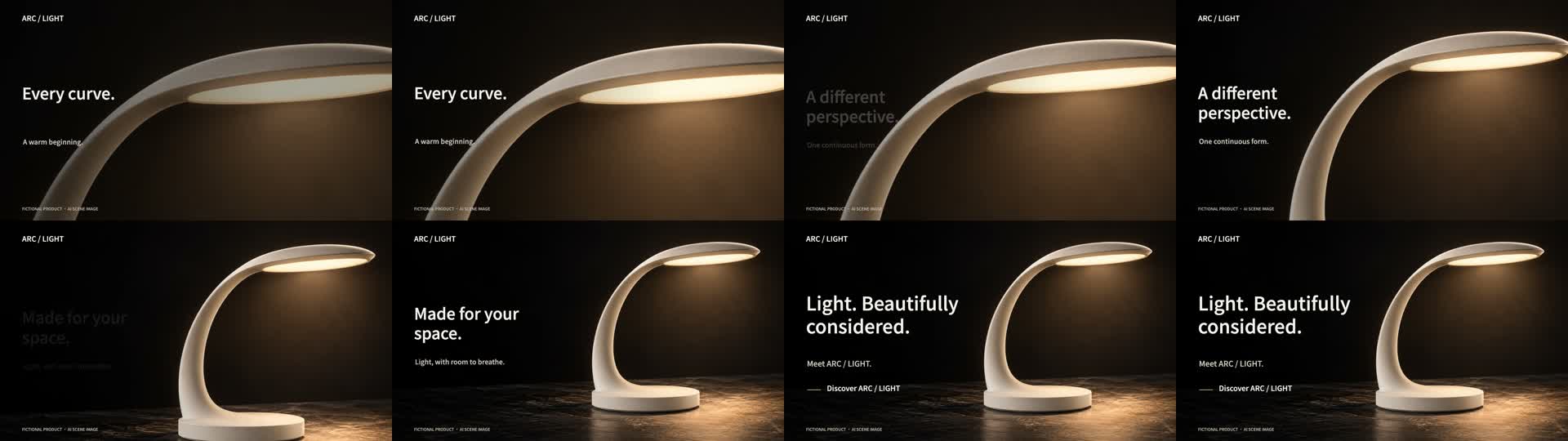
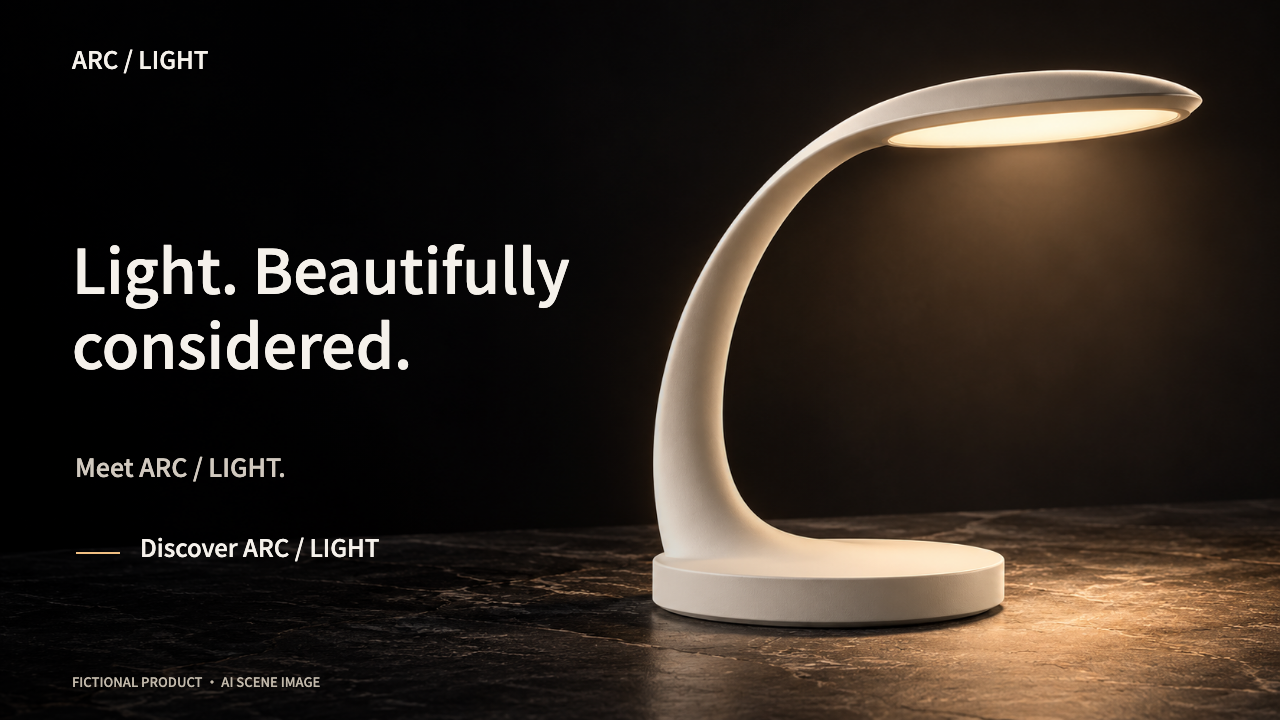
Actual output · original fictional example
An original fictional lamp scene, short copy and a final invitation. The scene was created with Codex image generation.
The local renderer starts on a material detail, pulls back continuously into the whole scene and holds the brand invitation. One image is reframed; no 3D turntable is claimed.
Launch introduces the product; Feature shows one action and result; Workflow follows a multi-step process; Teaser builds anticipation around a product scene. All four are included.
Start with the matching bilingual JSON brief. Replace copy and colors, adapt UI drawing or the product scene, then inspect the playable preview. The input mode chooses the renderer composition.
Play the whole film, check the transitions, text and final hold, then export the MP4 with editable files. Technical checks do not replace review of product truth or visual quality.
Prepare the product facts, audience, short copy, brand colors and a final invitation. Choose launch, feature, workflow or teaser. For teaser, prepare a 16:9 scene with a right-aligned product; for a real UI, provide approved screenshots for code adaptation.
.agents/skills/product-promo-video/SKILL.md (Codex) or .claude/skills/product-promo-video/SKILL.md (Claude Code).Use $product-promo-video in launch mode. Product: [name]. Audience: [audience]. Approved facts: [facts]. Brand and copy: [materials]. Final invitation: [CTA]. Use the matching example as a starting point, adapt the composition to my assets, and make an 18-second silent 16:9 video. Label illustrative or generated imagery. Deliver MP4, editable HTML/JSON, poster and review report. Do not publish.
Installation & troubleshooting guideKeep the selected mode and first revise your headline, facts and CTA. For teaser, check the opening crop and the full product at the end. Download the updated JSON, then render a new MP4.
No. One $9.99 / ¥69 purchase includes all four modes, one renderer and eight bilingual sample films. Pro members can access the same package while eligible.
It now uses a product scene with lighting and a grounded surface, a detail-to-wide camera crop, shorter type and a stable final product shot. Prepare the image to fit this composition; arbitrary cutouts are not automatically transformed into cinematic scenes.
No. Its public release is noncommercial, and Pro prohibits reselling the software or substantially derived competing packages. This product has independently authored instructions, composition code and examples, using SiSkill’s own export infrastructure. Research source: https://github.com/feitangyuan/onetake.
No. The included UI is illustrative. An Agent can adapt the drawing code with your approved screenshots, but that work and its fidelity need separate review. The teaser instead accepts a local product image.
No. The shipped renderer creates silent local motion films. It needs the documented software dependencies, not a paid video API. Music, voices, custom imagery and their rights or fees are separate.
Local silent motion production, not a video-model subscription or done-for-you service. UI samples require adaptation to real product screenshots. Teaser reframes one scene image; it is not 3D or generated footage. No sound, 4K, arbitrary ratios, automatic UI reconstruction or publication.