Add support to an existing site
My website needs a working support entry and email fallback.
A dedicated support page, navigation integration and acceptance handover.
Support Launch Kit
A support link is the start. Map each website to its inbox, preserve email fallback when chat fails, then verify messages, email and phone alerts separately.
Available now · v0.1.0
USD 9.99 · Single purchase, or get access through Pro.
My website needs a working support entry and email fallback.
A dedicated support page, navigation integration and acceptance handover.
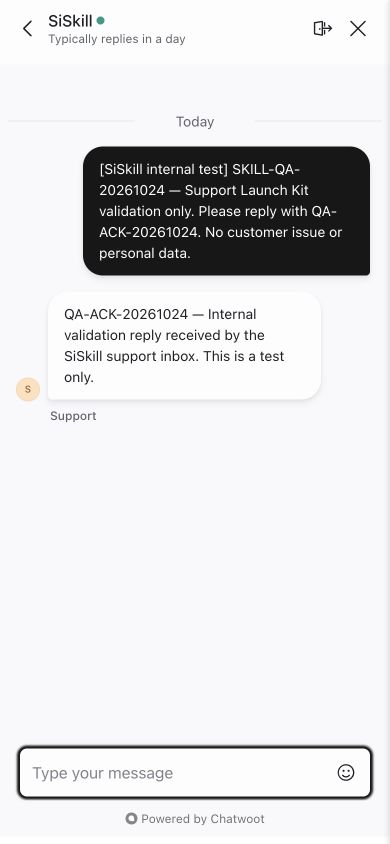
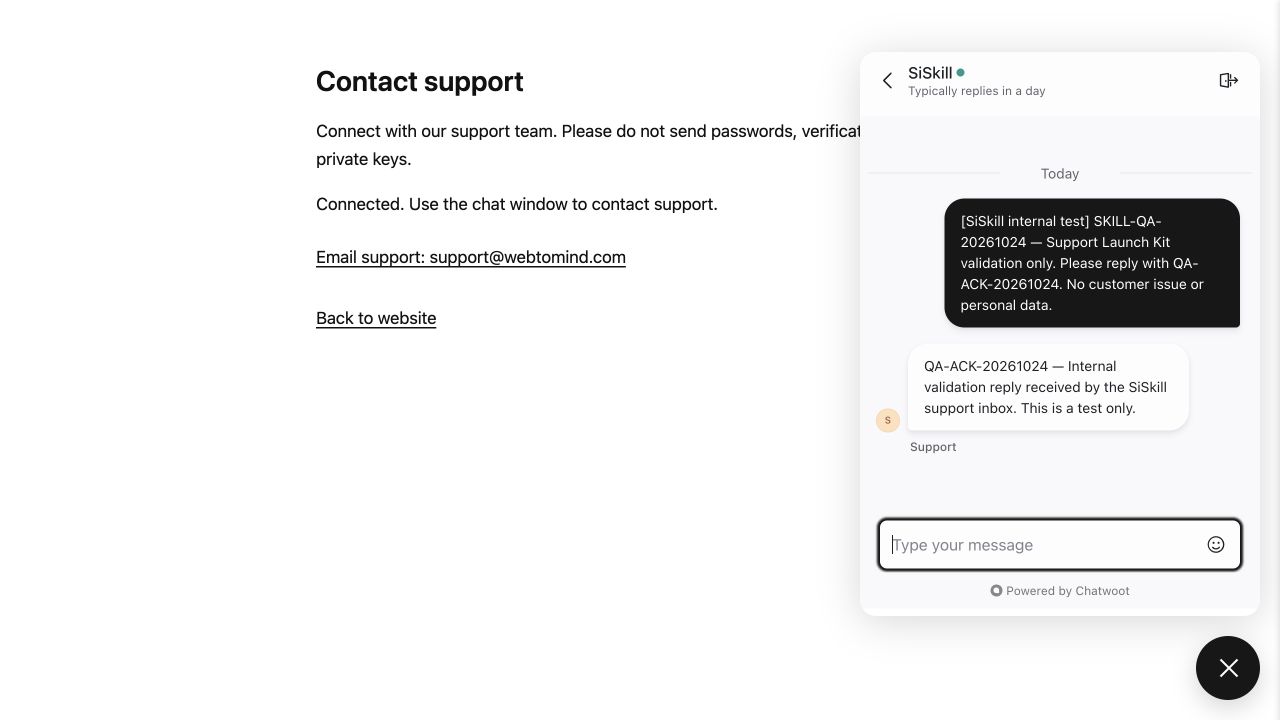
Actual runtime · internal test, not a customer case
Internal acceptance used the existing SiSkill inbox and explicitly labelled synthetic messages, with no customer content.
Generate from the final package, connect, send a test message, reply from the operator dashboard, then reload and continue the same conversation.
Reuse your website project and a separate public Website token per site. Missing settings produce a disabled preparation state.
Generate a dedicated support page, link it from your site and check loading, retry, privacy and viewport behavior.
Verify a round-trip with an authorized test conversation. Confirm email and locked-phone alerts separately with the target account and device; retain unfinished checks.
Provide editable website source, site URLs, your Chatwoot public Website tokens, support email and language. Your Agent prepares the configuration.
.agents/skills/support-launch-kit/SKILL.md (Codex).Use support-launch-kit and read SKILL.md. Project: [path], site: [domain]. I need a dedicated support page. Inspect the project and routes; ask only for missing public Website settings, email and language. Generate and integrate it, checking loading, retry, privacy and revision rollback. Record account/device checks separately; leave unverified items pending and do not send messages or publish without authorization.
Installation & troubleshooting guideGenerate revisions into a new directory, compare changes, keep prior files and retest. Old evidence does not certify revised artifacts.
Version one uses a dedicated support page for 1–3 websites. It excludes an embedded overlay, server provisioning, AI replies and support seats. An internal test verified the message round-trip; verify email and phone notifications with your own account and device.
Bring your own account or existing instance. Current Chatwoot plans, limits and service fees apply; no service or seats are included.
US$9.99 buys the complete Skill package and later published versions of this Skill. Active Pro members can download it. Chatwoot, support seats and Agent costs are separate. Verify email and locked-phone notifications with your own account and device.
Website integration uses only a public Website token. Keep administrator API tokens, passwords and customer data out of the config and package.
Version one uses a dedicated support page for 1–3 websites. It excludes an embedded overlay, server provisioning, AI replies and support seats. An internal test verified the message round-trip; verify email and phone notifications with your own account and device.